Alt Text Studio · Documentation
How to update name, company, and website info
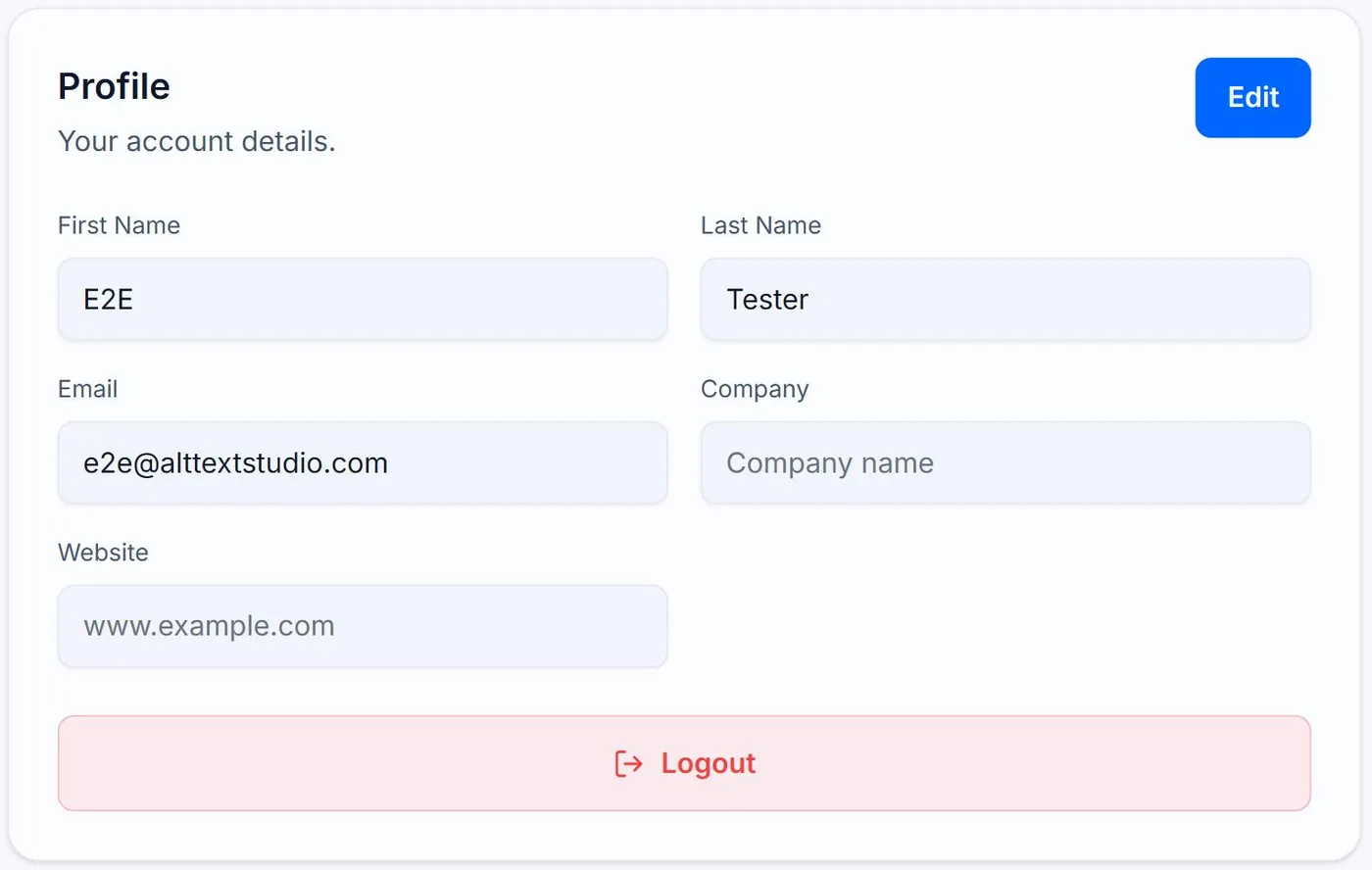
Profile fields live on the My Account page.
1
Open My Account → Profile
Open My Account → Profile card.
2
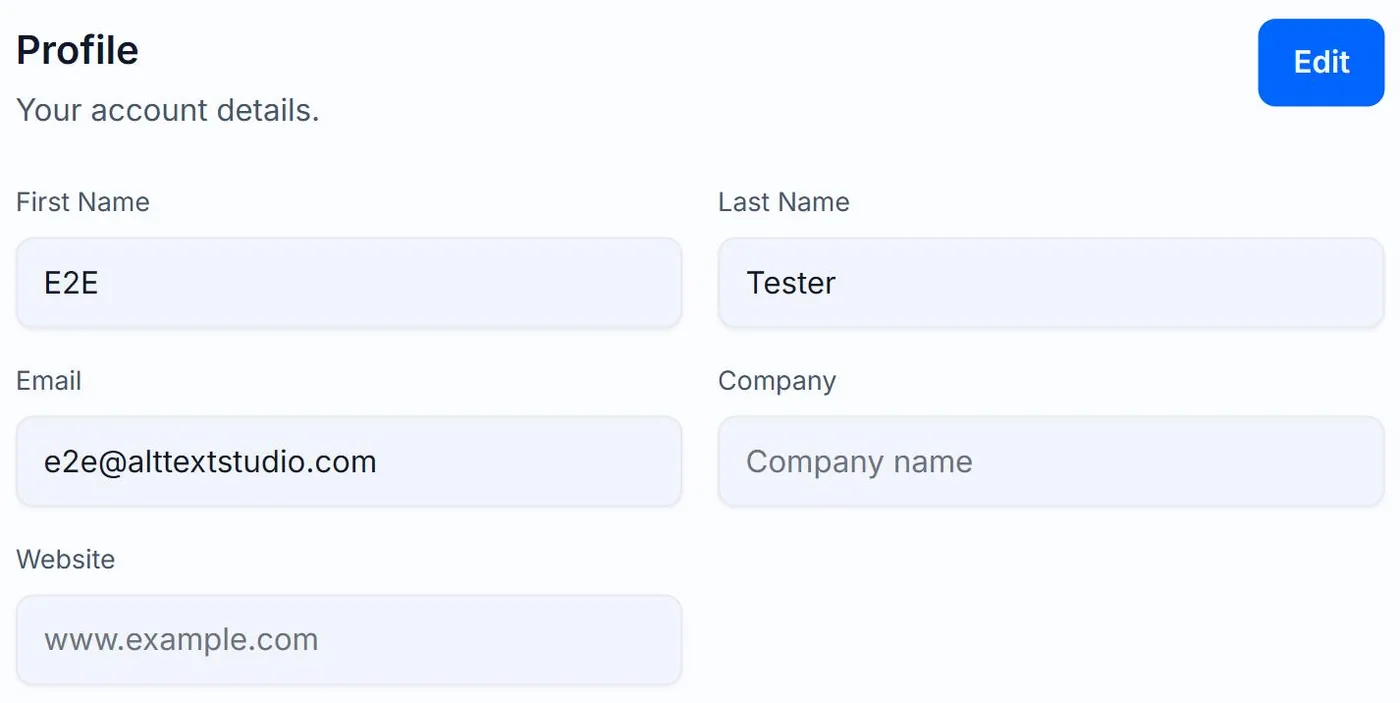
Edit any field
Click Edit to make the inputs editable. Update First Name, Last Name, Email, Company, or Website (only First Name, Last Name, and Email are required). Click Save Changes to commit, or Cancel to discard. Email is locked for Google OAuth accounts because it's managed by Google.
Related guides
- How to change your password— Update your password in My Account. If you signed up with Google, you change your password in Google instead.
- How to delete your account— Permanent. Removes your library, generation defaults, and profile. Walked through with warnings.