Alt Text Studio · Documentation
How to save alt text as an .html file
Download an HTML snippet ready to drop into a page or email.
1
Open the detail page
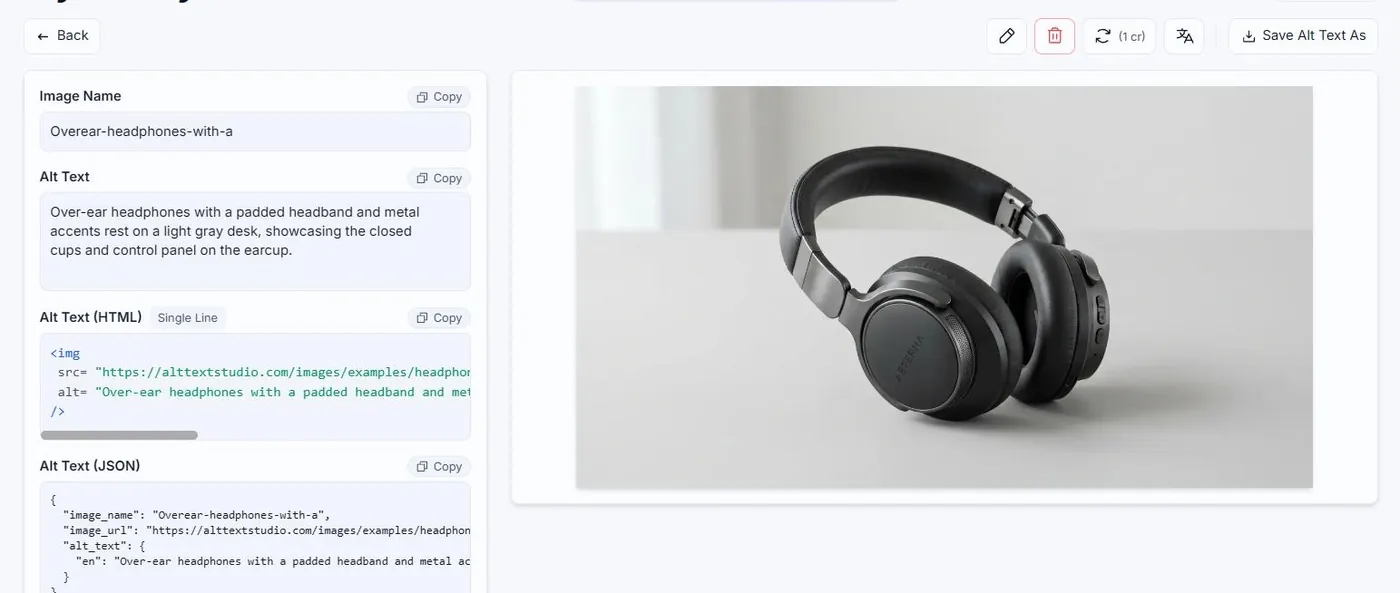
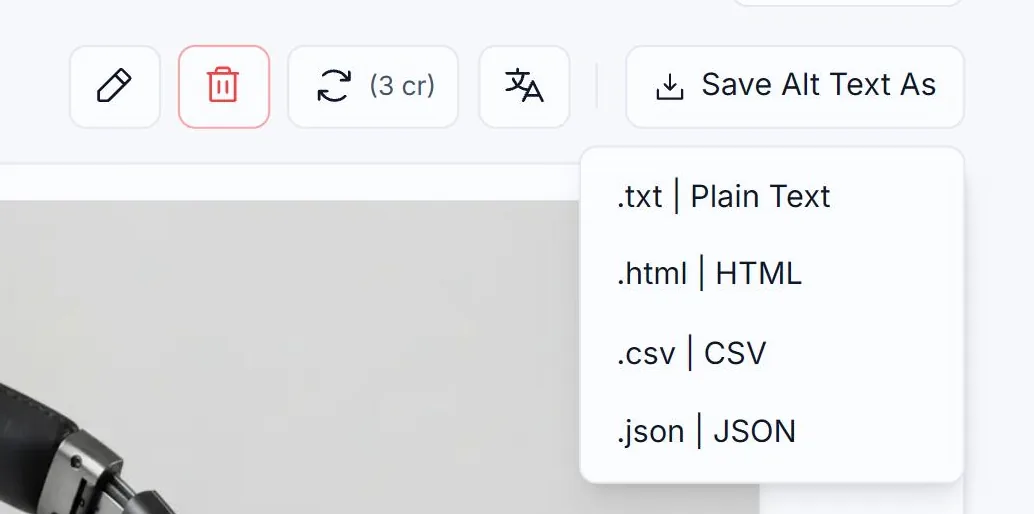
Open the image you want from My Library. Click the Save Alt Text As button and pick .html | HTML.
2
What's in the file
A self-contained <img> snippet: <img src="..." alt="..." /> for the currently-selected language. Open it in a browser to preview.
3
When to use it
Handy for emailing a single image to a designer, embedding in a CMS, or as a standalone preview. For a whole library export, see How to export your library to HTML.
Related guides
- How to export your library to HTML— Bulk-export to an HTML document with proper <img> tags.
- How to copy alt text as HTML— Get the full <img src="..." alt="..."> tag, ready to paste into your site.
- How to save alt text as a plain .txt file— Download a .txt of just the alt text for a single image.