Alt Text Studio · Documentation
How to save alt text as a .json file
Download a structured JSON object, useful for scripts and pipelines.
1
Open the detail page
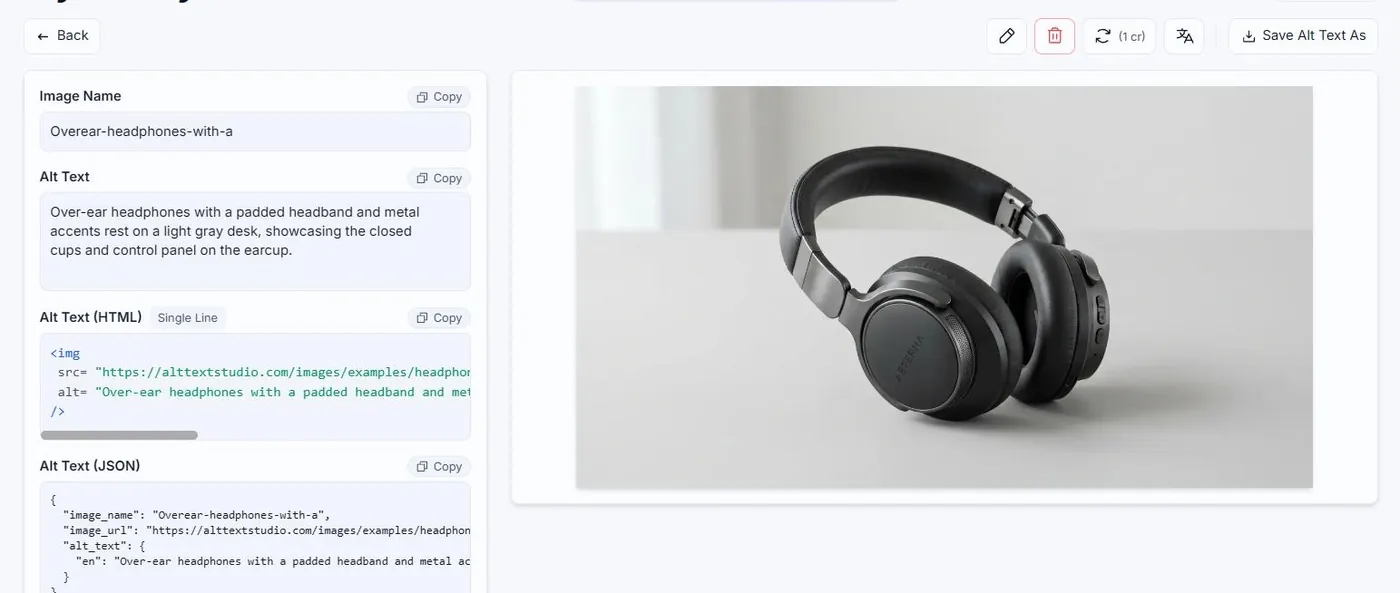
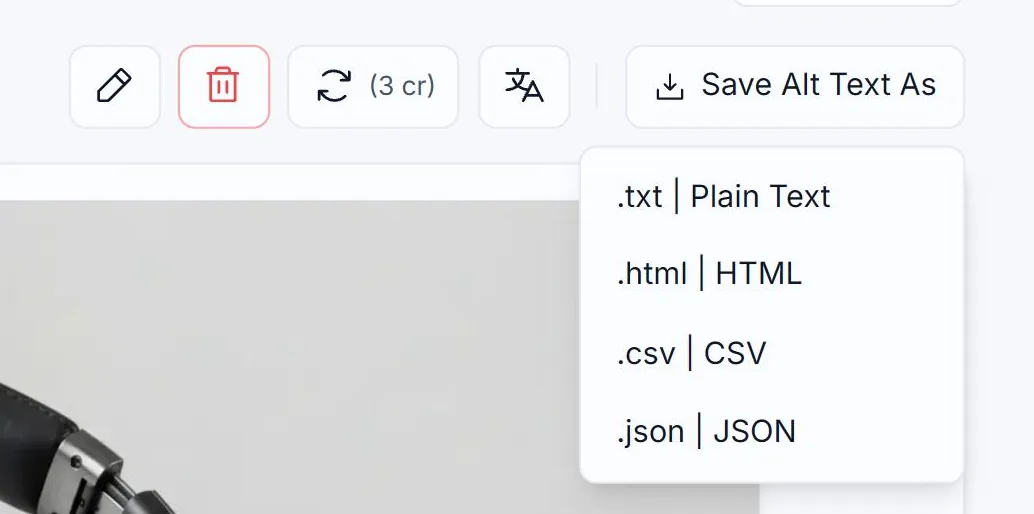
Open the image. Click the Save Alt Text As button and pick .json | JSON.
2
What's in the file
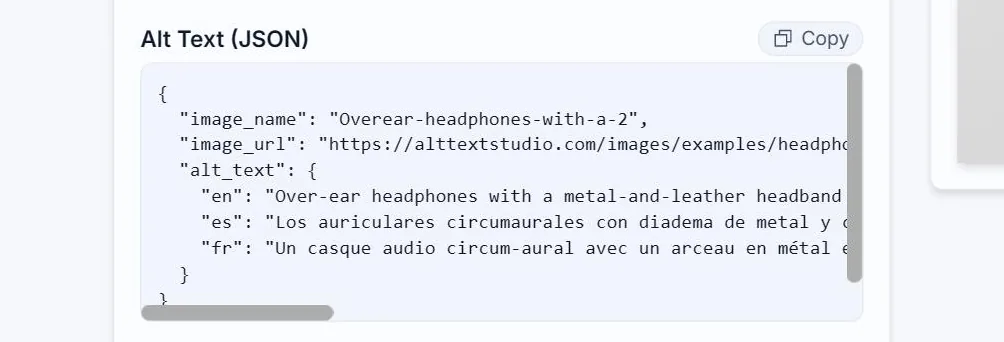
A small JSON object with image_name, image_url, and an alt_text field keyed by language code, matching the JSON copy view. Easy to feed into a script.
3
Multi-image equivalent
For an entire library or filtered batch, use the table's Export As → JSON option, which returns one object per image.
Related guides
- How to copy alt text as JSON— Structured object with image_name, image_url, and per-language alt text.
- How to export your library to CSV— Bulk-export selected images and chosen columns to a CSV.