Alt Text Studio · Documentation
How to link multiple image URLs
Paste a list of image URLs to process them in a single batch.
If you've got a list of image URLs (maybe from your CMS export or a sitemap), you can paste them all at once instead of dragging files in.
Open the Multiple URLs or HTML field on /create
On the Create page, find the Multiple URLs or HTML textarea (below the Image URL input and the Image Upload zone). It accepts a newline-separated or comma-separated list of URLs, or raw HTML containing <img> tags.
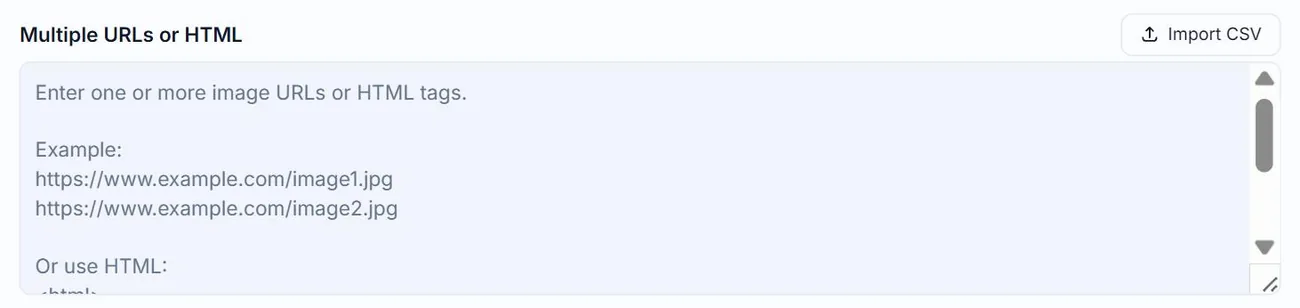
Paste your URL list
One URL per line works best. The system processes them in chunks, so the practical ceiling is the per-batch limit (currently 500 images). Click Upload.
Each URL becomes a separate batch card
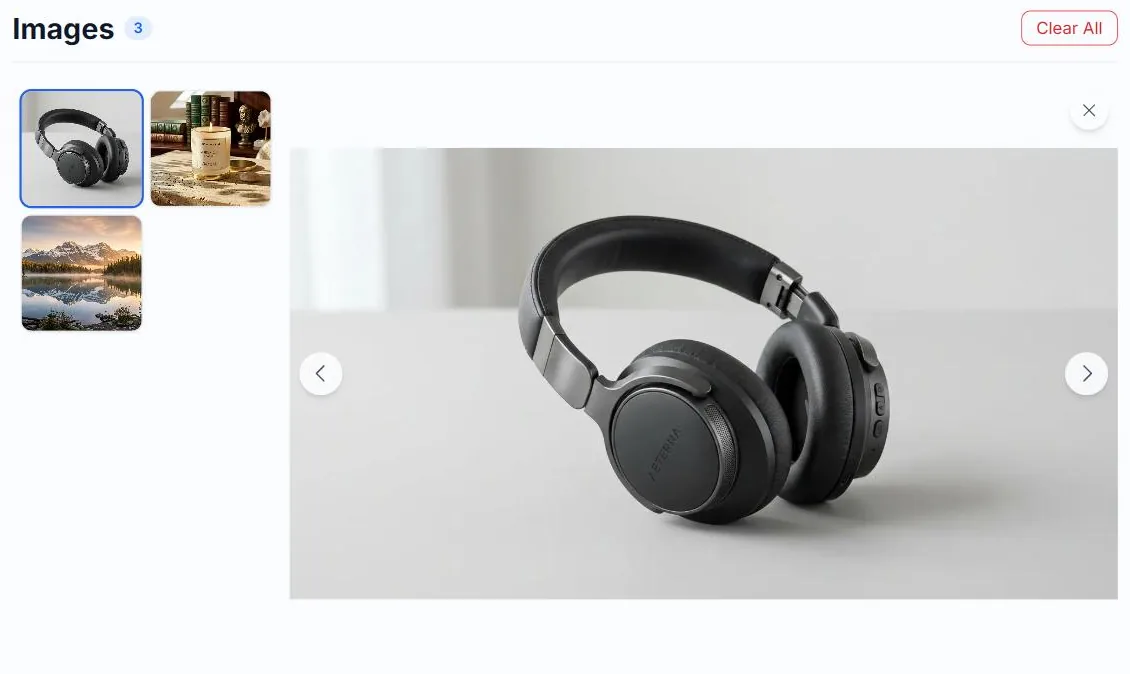
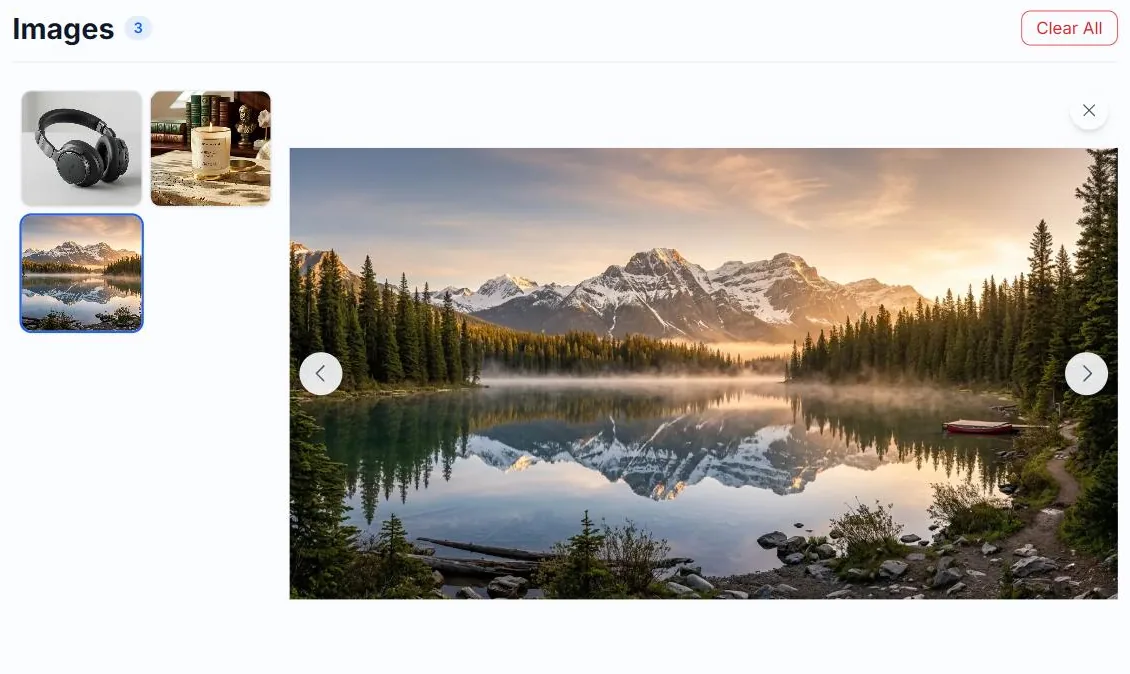
Alt Text Studio validates each URL in parallel. Every valid image joins the batch as a thumbnail in the strip on the left; select one to give it its own name and options. URLs that fail to load are silently skipped.
First thumbnail selected
Third thumbnail clicked
Generate for all
Once the batch is queued, click Generate for all. The system processes images concurrently in chunks and works through the list until it's done.
Related guides
- How to import a CSV— Bulk-import images by uploading a CSV. Includes the supported template.
- How to link an image (paste a URL)— Use a direct image URL when the image is already hosted somewhere.
- How to upload multiple images at once— Batch generate alt text for a folder of images or several URLs.