Alt Text Studio · Documentation
How to clear every image on the Create page
Reset the page to an empty state. Generated alt text is still in your Library.
1
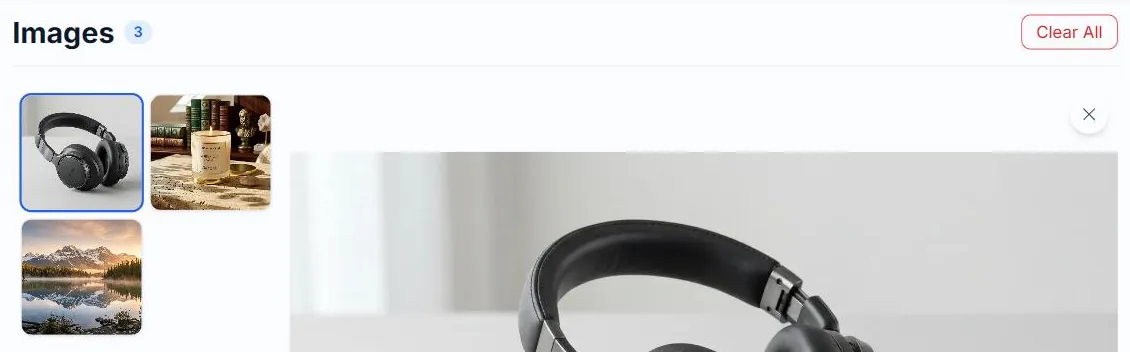
Click Clear All
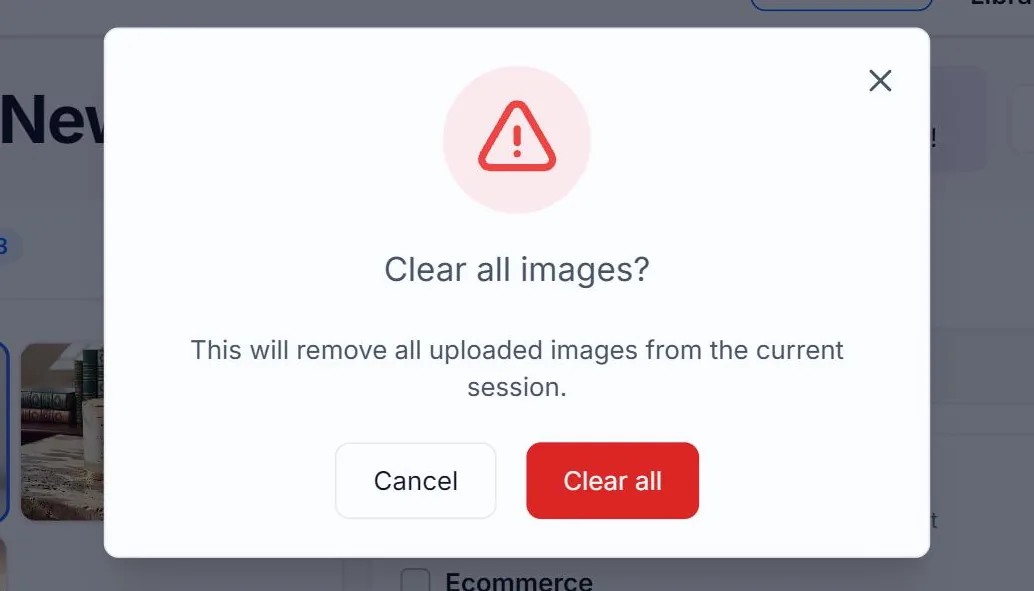
On the Create page, the result panel header has a red Clear All button (it just says Clear when there's a single image). Click it and a modal asks to confirm.
2
What gets cleared
Every image card is removed. Per-image options reset. The URL, Scrape, Upload, and Multiple URLs/HTML inputs go back to empty. Your saved Generation Defaults are NOT touched.
3
Generated images remain in My Library
Anything you already generated is in My Library independent of the Create page. Clearing /create does not delete saved alt text. It only resets your working batch.
Related guides
- How to remove a single image from your batch— Use the X button to drop an image without clearing the rest.
- How to delete images from My Library— Single or bulk delete with confirmation modal.