Alt Text Studio · Documentation
How My Library filters work
Image type, date range, text length, and language filters in detail.
My Library filters narrow the table down to a subset of rows. They combine with AND, so every active filter must match. Multiple values within one filter combine with OR.
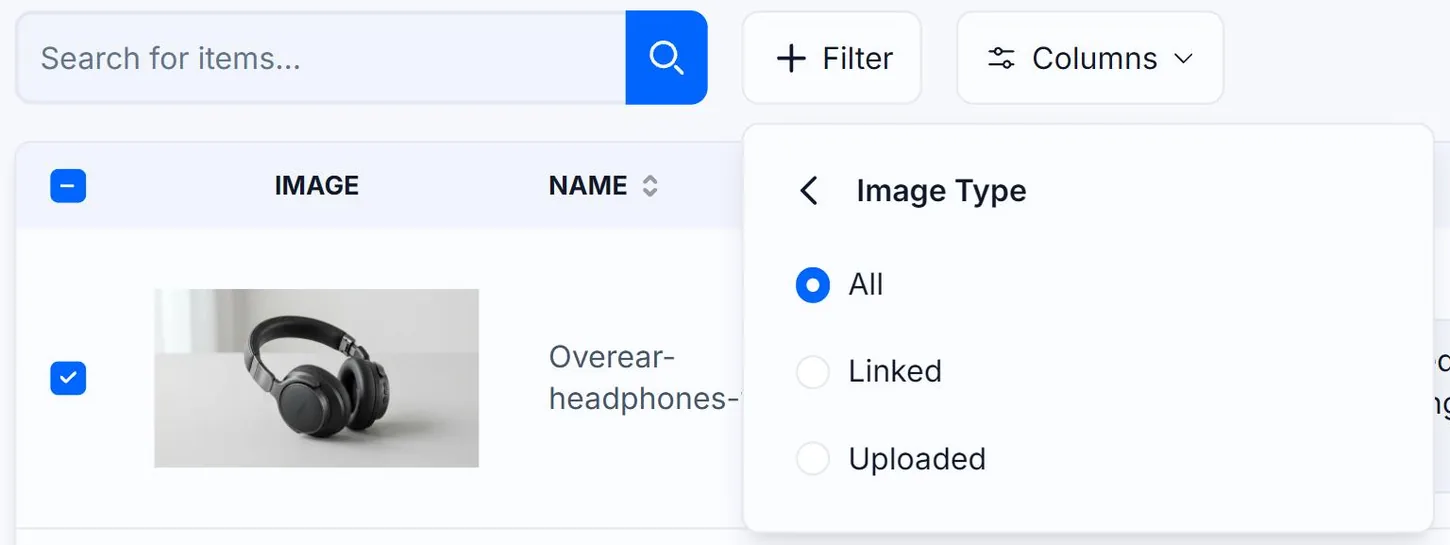
Image Type filter
Image Type: was the image Uploaded from your computer or Linked from a URL? Pick one (the default is All). Useful when you want to find only assets you own (uploads) versus referenced ones (links).
Date range filter
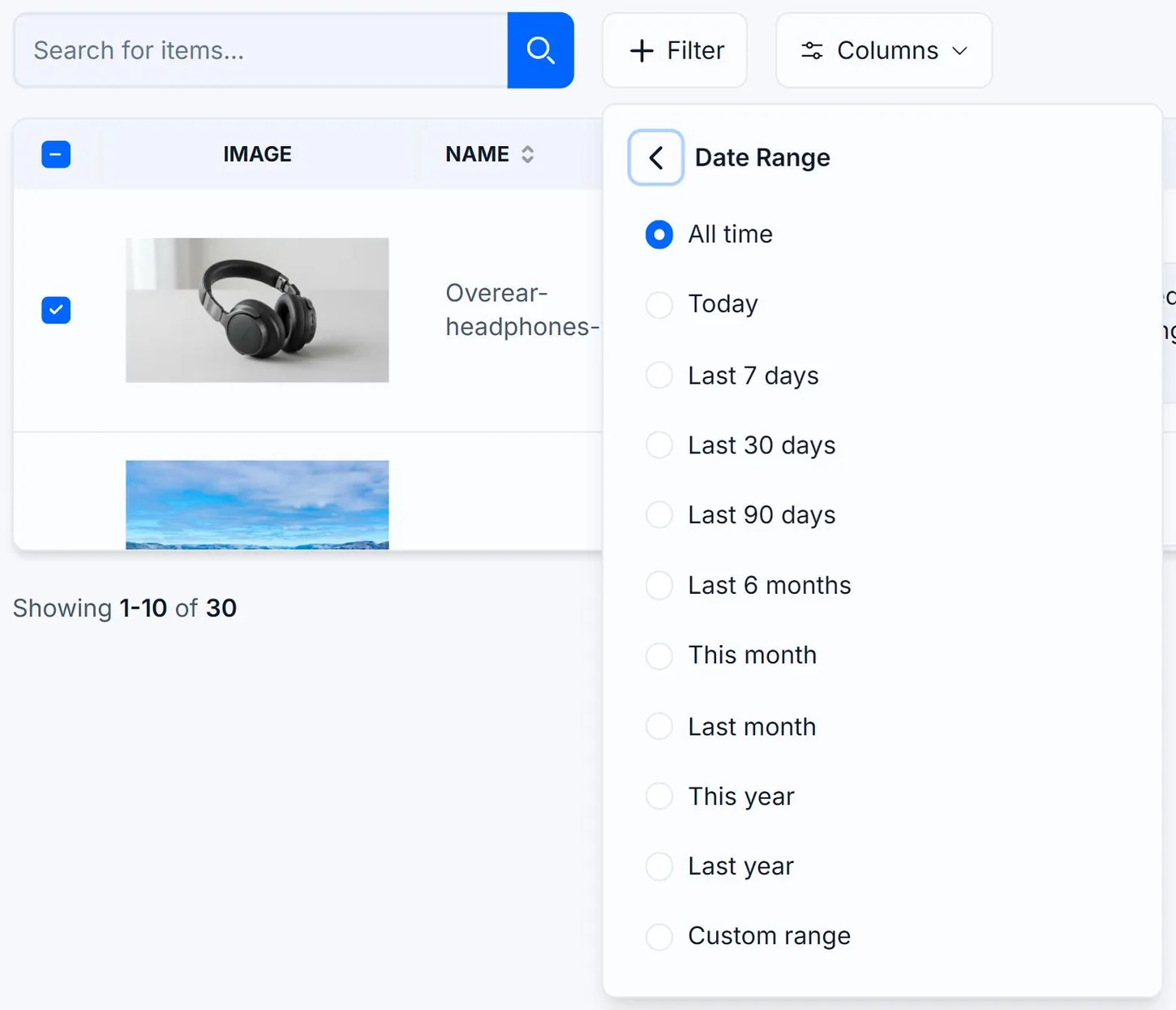
Pick a preset (All time, Today, Last 7 days, Last 30 days, Last 90 days, Last 6 months, This month, Last month, This year, Last year) or a custom range. Filtering happens on created_at, the time the alt text was generated, not when you last edited it.
Text length filter
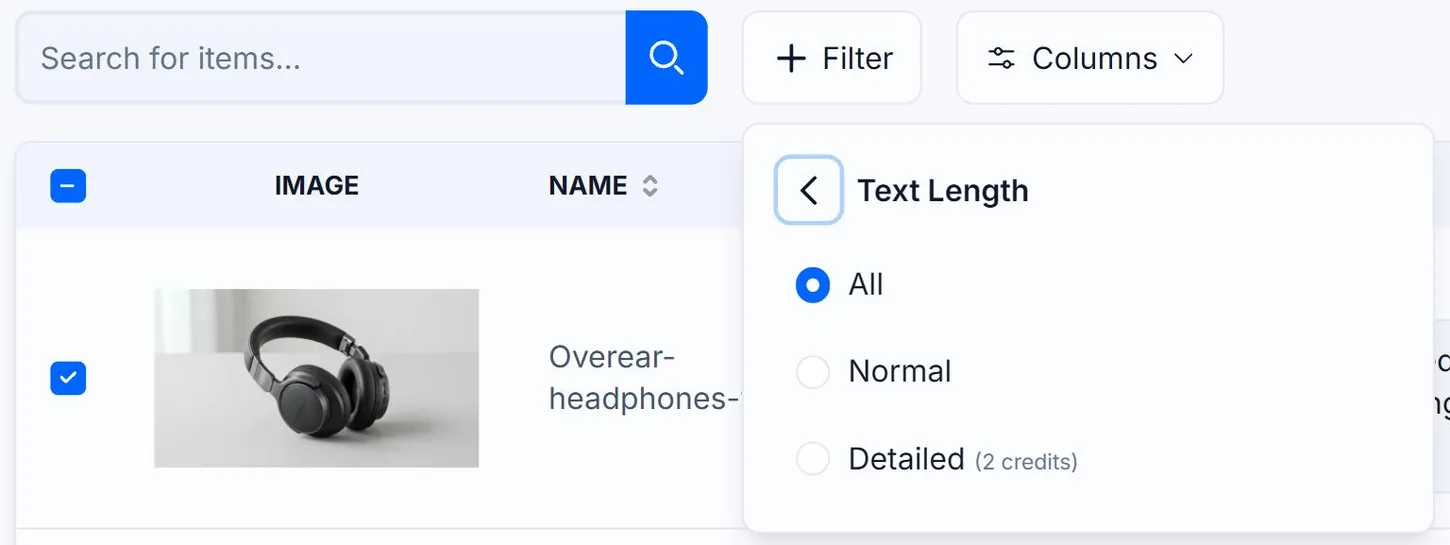
Filter by Normal vs Detailed. Useful for QA: bulk-export only your Detailed-length images to review long descriptions, or only Normal for short alt text audits.
Language filter
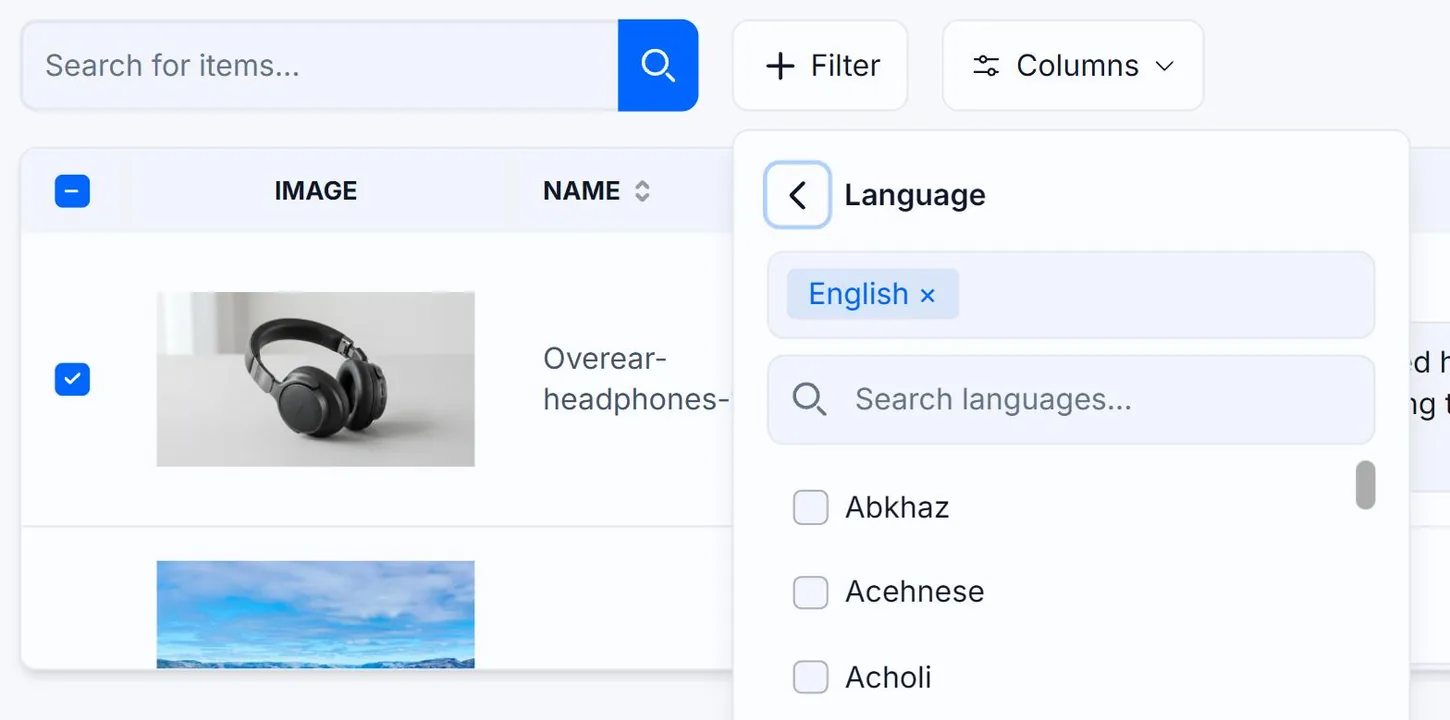
Multi-select. Each language you add narrows the result to images that contain ALL of those translations. So Spanish + French = images that have both Spanish AND French versions, not either-or. To see images with either language, run two separate filters.
Clearing filters
Each active filter shows as a removable pill below the toolbar. Click the × on a pill to remove just that filter. Click Clear all filters to reset everything.
Related guides
- How My Library search works— What fields are searched, how matching is done, and persisting results in the URL.
- How My Library pagination works— Page size, navigating pages, and how filters interact with pagination.
- Navigating My Library— Search, filter, sort, paginate, and select rows for bulk actions. The full tour.