Alt Text Studio · Documentation
How to switch between light and dark mode
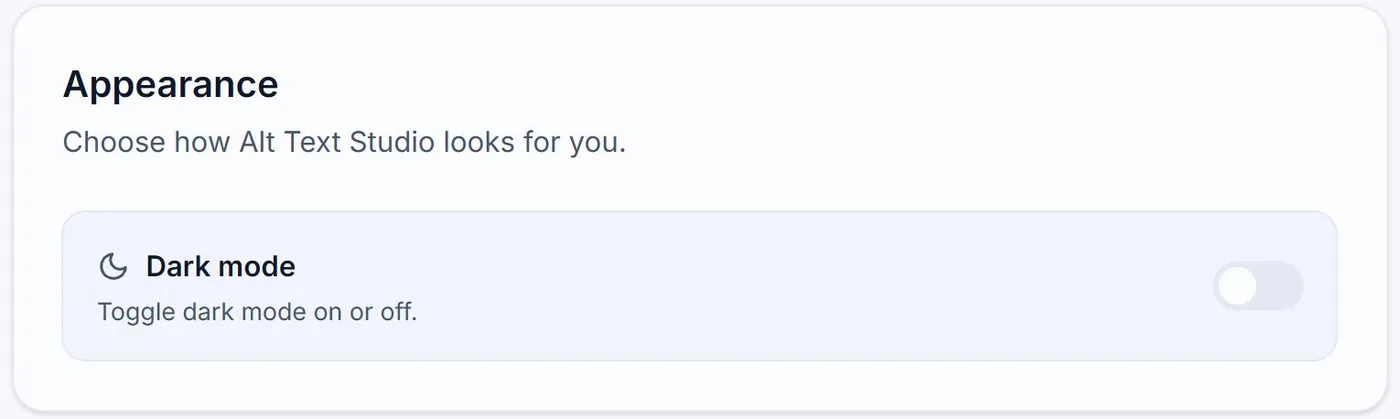
When signed out (homepage toggle) and signed in (Account page toggle).
Alt Text Studio remembers your theme preference per-browser. The toggle lives in two places depending on whether you're signed in.
1
Signed out: navbar toggle
When you're not signed in, a sun/moon icon in the top navbar toggles dark mode. Your choice is saved to localStorage so it persists across visits.
2
Signed in: navbar account dropdown or My Account
When signed in, the same dark-mode toggle appears in the My Account dropdown in the navbar, and again in the Appearance card on My Account. Both control the same on/off setting.