Alt Text Studio · Documentation
How to change text length (Normal vs Detailed)
Pick a one-sentence summary or a paragraph-long description.
Text length controls how much the AI writes. Normal is the right choice for most alt text and keeps it concise. Detailed is for pages where alt text doubles as caption or product copy.
Normal (the default)
A concise, single-sentence description focusing on the most important visual elements. Best for accessibility-focused alt text where screen readers read the whole thing.
Detailed (when context matters)
A paragraph (3-5 sentences) describing the scene, mood, colors, and any text in the image. Best for product pages where alt text doubles as copy, or for image captions on blog posts.
Cost difference
Detailed costs 2x the credits of Normal: Normal = 1 credit per language, Detailed = 2 credits per language.
Where to set it
You can set text length in three places:
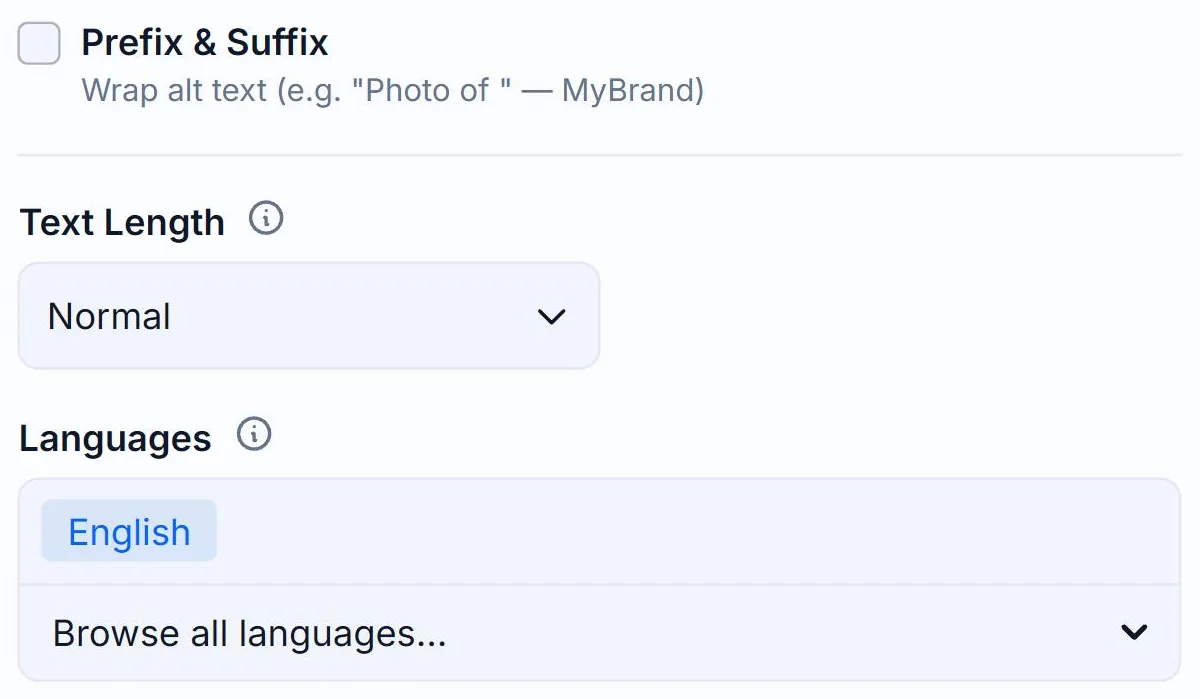
- Per-image — the Text Length dropdown in the Options panel on Create.
- App-wide — save your preference in Generation Defaults so every new image inherits it.
- Bulk via CSV import — the
text_lengthcolumn acceptsNormalorDetailed.
Related guides
- About credits and pricing— How a credit is spent, monthly vs yearly billing, pay-as-you-go.
- How to change and save Generation Defaults— Set your preferred options once on the My Account page and Alt Text Studio will use them everywhere.
- How to add a custom prompt— Steer tone or context with free-form instructions to the AI.