Alt Text Studio · Documentation
How to add another image to a generation batch
After uploading one image, queue more before clicking Generate.
You don't have to commit to a batch size up front. Add images one at a time as you find them. The batch just grows.
Use any input method to add more
After the first image is queued, the Image URL field, Scrape Webpage input, Image Upload zone, and Multiple URLs or HTML textarea remain available on the Create page. Whatever you add appends to the existing batch.

Mix input methods
You can have URL-linked, file-uploaded, scraped, and HTML-extracted images in the same batch — every input method adds to the batch rather than replacing it. Generate runs all of them in one pass. Alt Text Studio tracks each image as either an Upload or a URL (that is the source_type you see in a CSV export); scraped and HTML-extracted images both count as URLs.
Order is preserved
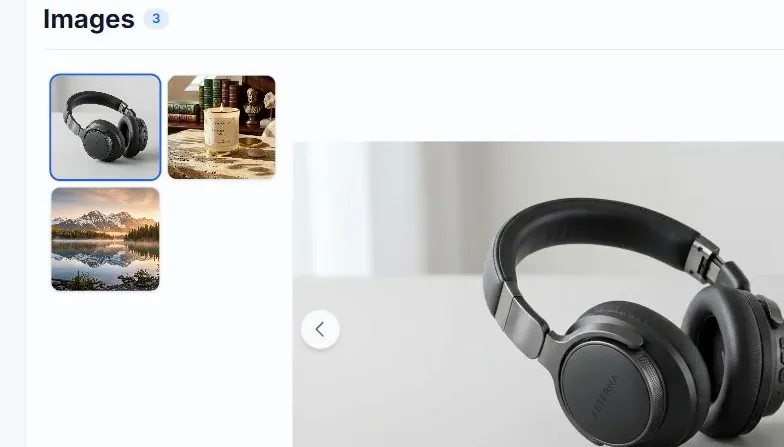
Cards display in the order you added them. There's no reordering UI, but rows in My Library are always sorted by creation timestamp anyway, so order in the batch doesn't matter long-term.
Related guides
- How to remove a single image from your batch— Use the X button to drop an image without clearing the rest.
- How to clear every image on the Create page— Reset the page to an empty state. Generated alt text is still in your Library.
- How to upload multiple images at once— Batch generate alt text for a folder of images or several URLs.