Alt Text Studio · Documentation
How to change your email address
Update the email on your account. Google sign-in users change it in Google instead.
Open My Account
Open My Account → Profile card.
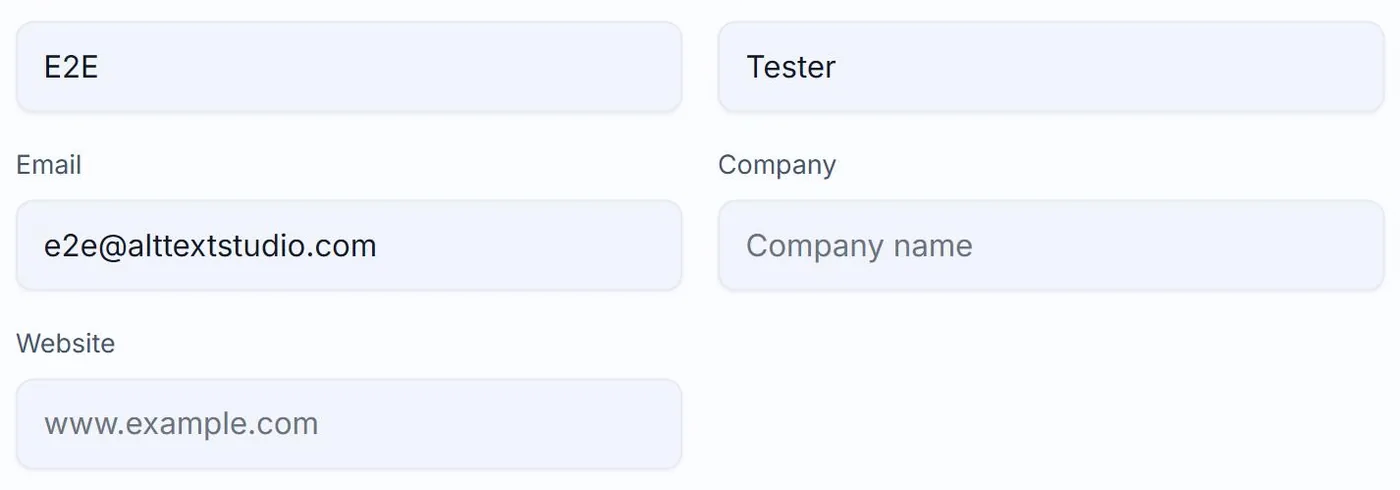
Edit your email
Click Edit to make the inputs editable. Change the Email field, then click Save Changes. We send a verification link to the new address. Until you click that link, your sign-in email stays as the old one.
Confirm via the verification email
Open the email we sent to your new address (subject line includes "Verify your new email") and click the link. The change becomes effective immediately. Future sign-in, password resets, and notifications go to the new address.
If you signed up with Google
There is no email to change in Alt Text Studio. Your sign-in is delegated to Google, and the email is locked to whatever Google reports. Change your Google account email at accounts.google.com and your Alt Text Studio email will follow.
Related guides
- How to change your password— Update your password in My Account. If you signed up with Google, you change your password in Google instead.
- How to update name, company, and website info— Profile fields live on the My Account page.
- How to delete your account— Permanent. Removes your library, generation defaults, and profile. Walked through with warnings.