Alt Text Studio · Documentation
How to change your password
Update your password in My Account. If you signed up with Google, you change your password in Google instead.
1
Open My Account
Open My Account and find the password section (only shown for email/password accounts).
2
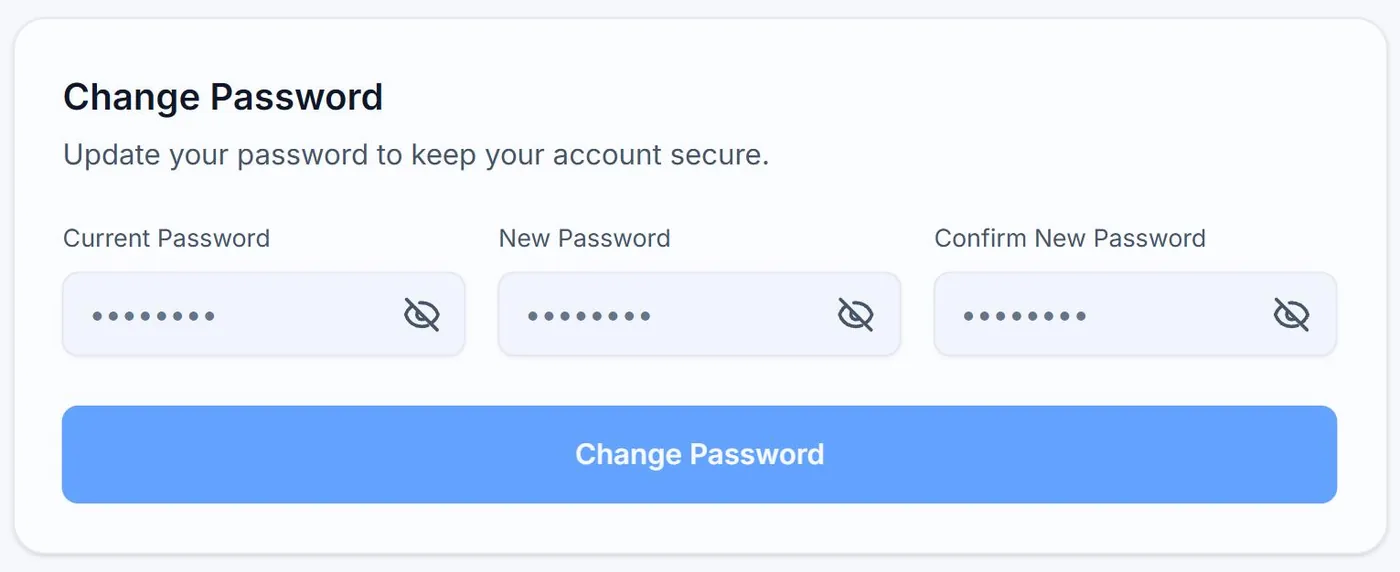
Enter old + new password
Type your current password, then your new password and confirm it. Click Change Password. A confirmation appears and you stay signed in.
3
If you signed up with Google
There is no password to change in Alt Text Studio. Your sign-in is delegated to Google. Change your password at accounts.google.com instead.
Forgot your password? Use the Forgot password? link on the sign-in page. We send a reset link to your account email.
Related guides
- How to change your email address— Update the email on your account. Google sign-in users change it in Google instead.
- How to update name, company, and website info— Profile fields live on the My Account page.
- How to delete your account— Permanent. Removes your library, generation defaults, and profile. Walked through with warnings.