Alt Text Studio · Documentation
How to name an image
Give each image a custom Image Name so it's easy to find in My Library later.
The Image Name field is your label for the image. It's what shows up in the My Library Name column, in exports as image_name, and in the JSON output. You can set it before generating, or change it any time afterwards from the My Library detail page.
Set it on Create before generating
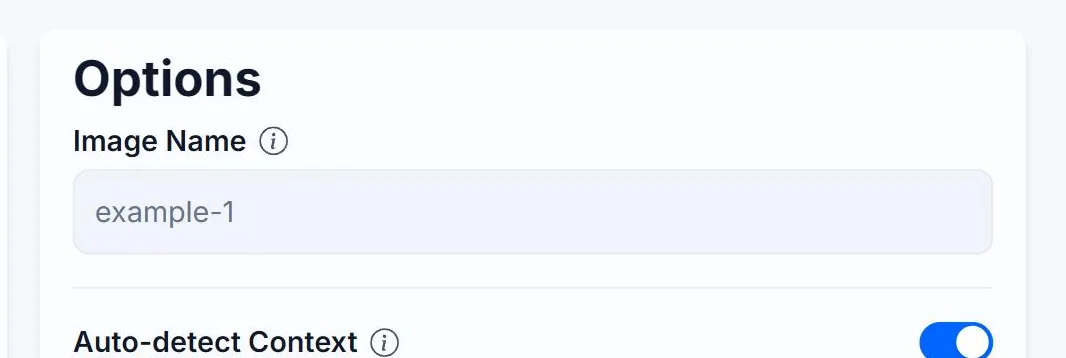
On each image card on the Create page, Image Name is the first field in the Options panel. If you leave it blank, the name defaults to the first 4 words of the generated alt text (e.g. A-dog-sits-tall).
Left blank
Named before generating
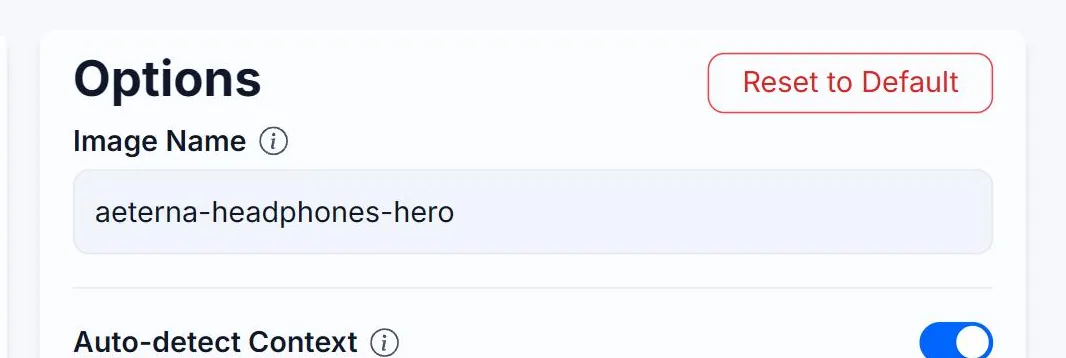
Rename it later from My Library
Already generated? Open My Library, click any row to open its detail page, and edit the Image Name field in the Image Details panel. Click Save to commit. The Name column in the table is read-only — renaming happens on the detail page.

Why it matters
Image Name is searchable in My Library. Naming things consistently (product/red-sneakers-frontview vs IMG_8473) makes future you very happy.
Renaming after generation
Forgot to set it? Open the image's detail page from My Library and edit the Image Name field there. Existing exports are not retroactively updated, but future exports will use the new name.
product/sony-wh1000xm5-headphones.Related guides
- How to rename a generated image— Change the Name field after the fact, on the detail page or in My Library.
- How auto-detect context works— Alt Text Studio inspects filenames and URLs to enrich the prompt, only when they match what the AI sees.