Somebody has to write the alt text. That is the moment most teams start searching for alt text writing services: an accessibility audit lands, a legal demand letter arrives, or a developer runs a scan and finds four thousand product images with nothing in the alt attribute.
The good news is that this is a solved problem, and it is cheaper to solve than it was two years ago. The catch is that "alt text writing service" now covers four very different things, priced anywhere from a couple of cents to a couple of dollars per image. This guide breaks down what each option actually delivers, what it costs at real catalog sizes, and how to choose without overbuying.
Summary
An alt text writing service produces the short text descriptions that screen readers announce and search engines index for every meaningful image on your site. There are four kinds: freelance writers, accessibility agencies, overlay widgets, and AI alt text platforms. Human writing services have historically been priced around $2 per image, which is roughly $10,000 for a 5,000-image catalog, while AI platforms run in the range of a few cents per image and finish in hours instead of weeks. The right answer for most teams is an AI service that writes directly into the platform where the images already live, with a human spot-check on the small percentage of images that carry complex meaning.
What is an alt text writing service?
An alt text writing service is a person, agency, or software product that writes the alternative text descriptions for the images on your website, and ideally saves them back into your CMS, store, or media library. The output is what a screen reader announces in place of the image, what search engines use to understand and rank it, and what AI answer engines read when they decide which images to surface in a generated answer.
A complete service covers four things, not one:
- Discovery. Finding every image that is missing alt text, or that has junk alt text like a file name or the word "image".
- Writing. Producing an accurate, specific description of what each image shows, in the right length and tone for its context.
- Delivery. Getting that text back into the actual image record, not into a spreadsheet that someone has to paste from.
- Maintenance. Handling the new images you upload next week, next month, and next season without a second project.
Most of the frustration people have with alt text vendors comes from buying the second item and discovering the other three were their problem all along. If you are new to the topic, our guide on what alt text is and how to write it covers the fundamentals in more depth.
Why teams outsource alt text
Alt text is easy to write once and miserable to write ten thousand times. That asymmetry is the entire market. Three forces push teams into buying help:
1. The volume is worse than it looks
The 2026 WebAIM Million study found an average of 66.6 images on a single home page, and that 16.2% of all home page images were missing alternative text. Another 10.8% of the images that did have alt text had questionable or repetitive text, such as a file name or the word "graphic". More than a quarter of the web's images, on its most visited pages, are still not described properly. On an ecommerce catalog with six photos per product, the number of images in scope is usually a multiple of the number of products.
2. Missing alt text is a legal exposure
Missing image descriptions are one of the most cited issues in digital accessibility complaints, and they are trivial for a plaintiff's firm to detect at scale. Roughly 4,600 web accessibility lawsuits are filed in US federal and state courts each year, and the European Accessibility Act has applied to anyone selling to EU consumers since June 2025. Our breakdown of ADA web accessibility lawsuits goes through the case law in detail. WCAG 1.1.1 (Non-text Content) is the specific criterion at stake, and it is a Level A requirement, the floor rather than the ceiling.
3. Alt text is also a traffic asset
Alt text is one of the few remaining signals where a large share of your competitors are simply not showing up. It drives Google Images results, feeds product rich results, and increasingly determines whether your images get pulled into AI-generated answers. See our image SEO best practices guide for where it sits among the other image signals.
The four kinds of alt text writing services
These are not four price points for the same product. They are four different products, and the difference that matters most is where the text ends up when the work is done.
| Freelancer or VA | Accessibility agency | Overlay widget | AI alt text platform | |
|---|---|---|---|---|
| Typical cost | $20 to $50 per hour | Around $2 per image, plus audit fees | $50 to $500+ per month, site-wide | Cents per image |
| Turnaround for 5,000 images | Weeks to months | Weeks, scheduled in a project | Instant, but only at render time | Hours |
| Where the text lands | Usually a spreadsheet you paste from | A remediation report, sometimes direct edits | Injected in the browser, not saved to your data | Written back into your CMS or store |
| Consistency | Varies by writer and by day | High, guided by a style guide | Low, generic phrasing | High, same rules on every image |
| New images later | New engagement each time | New statement of work | Covered while you keep paying | Automatic on upload |
| Best for | A few hundred high-value images | Regulated sectors, formal remediation, VPAT work | Not recommended as a remediation strategy | Catalogs, media libraries, and ongoing publishing |
A note on overlay widgets
Accessibility overlays that promise to fix alt text with one line of JavaScript deserve their own warning. The description is generated in the visitor's browser at page load, which means it is not in your HTML, not in your product data, and not visible to Google's image crawler. You are renting a patch rather than fixing the underlying content, and overlays have been named in accessibility litigation rather than preventing it. If a service cannot tell you where the alt text is stored after it is written, that is the answer to the question.
What alt text writing services cost
Published rates for human alt text writing cluster around two dollars an image. One certified accessibility vendor, Accessible.org, keeps its old rate card online as a reference: $2.25 per image for alt text, alongside $7.50 per page for PDF remediation and $195 per hour for technical support. Freelance marketplaces price the same work by the hour, commonly $20 to $50 an hour, which lands in a similar place once you account for how long careful description writing actually takes.
Run that against real catalog sizes and the shape of the decision becomes obvious:
| Images | Human writing at $2.25 each | Writer time at 2 minutes each | AI platform at ~2 cents each |
|---|---|---|---|
| 500 | $1,125 | About 17 hours | Around $10 |
| 5,000 | $11,250 | About 167 hours | Around $90 |
| 50,000 | $112,500 | About 1,667 hours | Around $850 |
The time column is the one that usually decides it. A careful human writer producing two minutes of work per image needs about four full-time weeks to get through a mid-sized catalog, during which the store keeps adding products. Most teams that start with a manual project never finish it. That is the real cost of the cheap option: not the invoice, but the images that never get described at all.
Not sure how many images you have?
Run a free scan of any site. The audit crawls your pages and reports images with missing alt text, low-quality alt text, and the WCAG gaps that come with them, so you can size the job before you price it.
What to look for in an alt text writing service
Ten questions separate a service that solves the problem from one that hands it back to you in a spreadsheet:
- Does it write into the platform, or into a file? Saving directly to the product image or media library entry is the difference between a finished job and a data entry project.
- Does it use page and product context? The same photo needs different alt text on a category page and a product page. A service that only sees the pixels writes generic descriptions.
- Does it preserve brand and product names? "Air Max 90" should survive verbatim into every description and every language, not get translated or paraphrased.
- Does it handle decorative images correctly? WCAG asks for an empty alt attribute on purely decorative images. A service that describes every spacer and background flourish makes the screen reader experience worse.
- Can it control length and tone? A product thumbnail needs a different length than an editorial hero. Fixed-length output is a sign of a thin wrapper.
- Does it support your languages? If you run localized stores, alt text has to match the page language, including regional variants. See our guide to multilingual alt text.
- Can you review and edit before publishing? You want an approval step, not a black box that rewrites four thousand records unattended.
- What happens to new images? Ongoing coverage on upload is what keeps you compliant three months later.
- Can you export? CSV, JSON, or HTML export matters when a developer needs to bulk-apply somewhere the integration does not reach.
- Is the pricing predictable? Per-image or credit-based pricing that you can forecast beats a quote that scales with a consultant's calendar.
Alt Text Studio: a service that writes where your images live
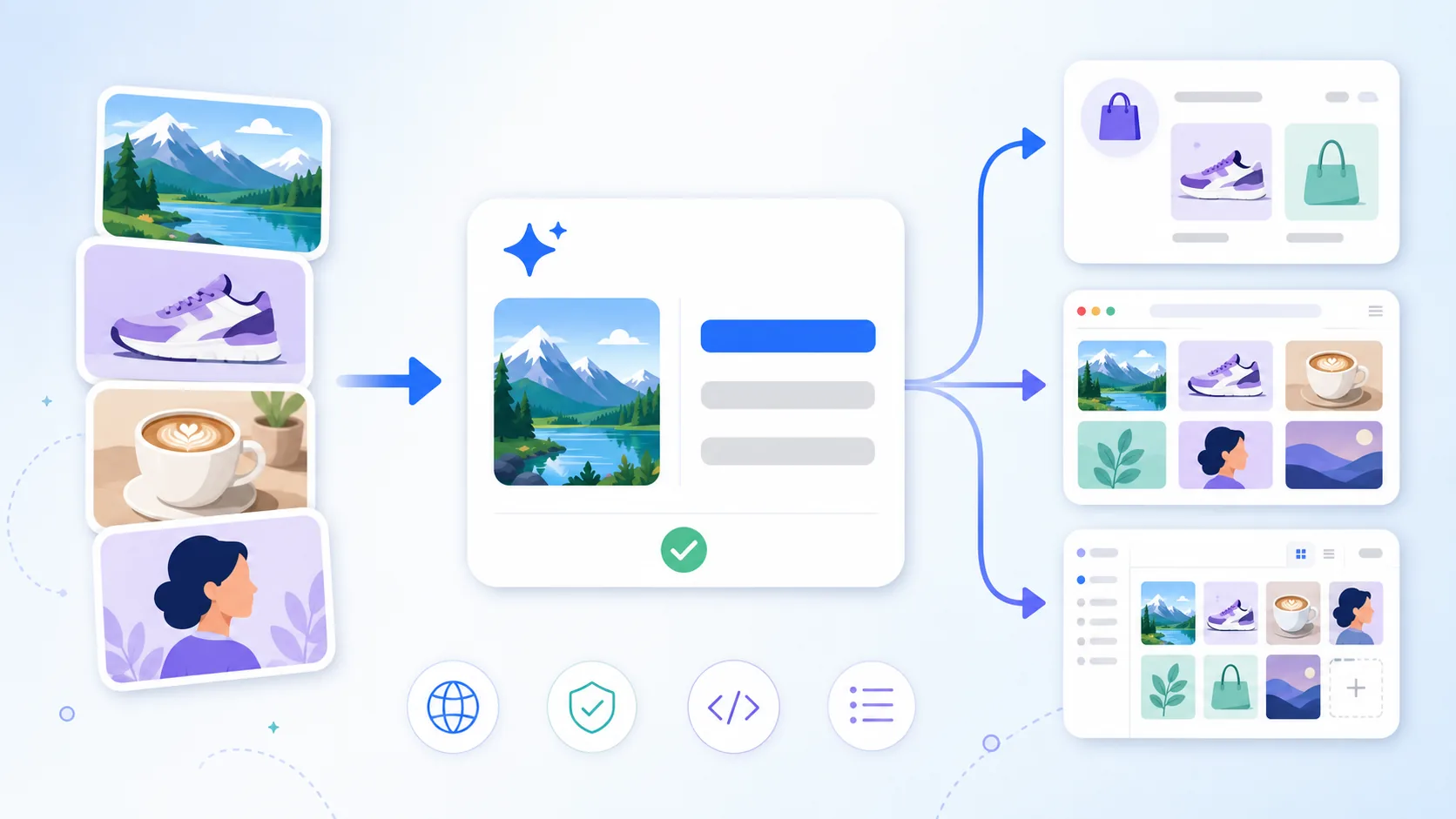
We built Alt Text Studio around the delivery problem, because that is where alt text projects stall. Instead of returning a spreadsheet, it writes descriptions into the platform your images already live in, and keeps doing it for every image you upload afterwards. One account and one pool of credits covers every surface below.
WordPress plugin
Alt text written automatically on upload, plus bulk generation across the whole media library. Focus keyphrases from Yoast, Rank Math, All in One SEO, SEOPress, and others are pulled in as context, WooCommerce products carry brand and product data through, and WPML and Polylang keep translations aligned. There is a WP-CLI command for anyone who would rather script it.
Shopify app
Scan the entire catalog for product images missing alt text and work through the queue in one pass, or open a single product and edit image by image. Vendor becomes the brand, title becomes the product name, and the description becomes page context automatically. Turn on auto-generate and new product images are covered as you add them.
Chrome extension
Right-click any image on any page to describe it, scan a whole page for images missing alt text, or turn a screenshot into alt text. It reads the page title, headings, and captions around the image so the description fits the page it is on.
Web app and bulk upload
Drop in a batch of files or URLs, set your defaults for length, tone, and language, and export the results as CSV, JSON, HTML, or plain text. Everything you generate stays in your library, searchable and re-exportable.
A few things that matter once you are past the first hundred images:
- 194 languages, including regional variants like Brazilian versus European Portuguese, with brand and product names preserved verbatim across all of them.
- Context awareness by default. File names, URL paths, page headings, and product fields feed the description instead of being ignored.
- Editable output. Regenerate, adjust length, or write your own wording on any image before it saves.
- Credits that roll over, so a seasonal catalog refresh does not require a bigger plan for the rest of the year.
- A free tier. The first 25 credits are free, with no card, which is enough to judge the writing quality on your own images rather than ours.
Describe your first 25 images free
Upload a handful of your own product photos and compare the output against what you would have written. No card required, and credits never expire.
When you still want a human writer
Software should not pretend to be the answer to every image. There is a small category where a person is genuinely better, and knowing which images fall into it is what separates a good accessibility program from a checkbox:
Charts, graphs, and infographics
These need a short alt attribute plus a longer description of the actual data and the conclusion it supports. That is an editorial judgment about what the chart is for.
Images whose meaning lives off the page
A photo that matters because of who is in it, when it was taken, or what it references needs knowledge no model has from the pixels alone.
Medical, legal, and safety imagery
Where a wrong description carries real consequences, a qualified human should sign off on the wording regardless of how it was drafted.
Art, archives, and cultural collections
Museum and archive description is its own discipline, with established guidelines about interpretation, attribution, and describing people.
For most sites this is a few dozen images out of thousands. The mistake is letting those few dozen hold up the thousands.
The workflow we recommend
Whatever service you choose, this sequence gets a site from "mostly undescribed" to "covered and staying covered" in about a week:
- Scan first. Get a real count of images missing alt text and images with junk alt text before you buy anything. A free audit takes a minute and changes the size of the conversation.
- Set your defaults once. Length, tone, language, and whether brand names appear. Defaults applied at the account level are what make ten thousand descriptions read like one voice.
- Generate the bulk pass. Run the whole library or catalog through automatically. This is the step that used to take a quarter.
- Spot-check about 5%. Review a random sample, plus every image in the human-needed categories above. Fix wording where the context was not obvious from the image.
- Turn on automatic coverage. New uploads get described as they arrive, so you never run a remediation project twice.
- Re-scan quarterly. Themes change, plugins strip attributes, and migrations lose data. A recurring scan catches regressions early.
Frequently asked questions
What is an alt text writing service?
An alt text writing service writes the short text descriptions that screen readers announce and search engines index for the images on your website. Services range from freelance writers and accessibility agencies to AI platforms that generate descriptions and save them directly into your CMS, online store, or media library.
How much do alt text writing services cost?
Human alt text writing has historically been priced around $2 per image, with one published accessibility rate card listing $2.25 per image, and freelance writers commonly charging $20 to $50 per hour. AI alt text platforms cost a few cents per image, so a 5,000-image catalog runs roughly $11,000 with a human service versus under $100 with an AI service.
Is AI-generated alt text good enough for ADA and WCAG compliance?
WCAG 1.1.1 requires a text alternative that serves the equivalent purpose, and it does not specify who or what writes it. Accurate, specific AI-generated alt text satisfies the criterion, and an empty alt attribute on a decorative image is also correct. What fails is generic or wrong description, so a review pass on complex images matters more than the tool that drafted them.
How long does it take to write alt text for 1,000 images?
A human writer averaging two minutes per image needs about 33 hours, which is roughly a week of full-time work once review is included. An AI alt text service processes the same 1,000 images in minutes to hours, and the human time is spent reviewing a sample rather than writing from scratch.
Can an alt text service write directly into WordPress or Shopify?
Some can. Alt Text Studio has a WordPress plugin that writes alt text into the media library automatically on upload and in bulk across existing images, and a Shopify app that scans your catalog and saves descriptions back to each product image. Services that only deliver a spreadsheet leave the paste-in work to you.
Can alt text writing services work in other languages?
They should, if you run localized sites. Alt text has to match the language declared on the page, including regional variants such as pt-BR versus pt-PT. Alt Text Studio supports 194 languages and preserves brand and product names verbatim across all of them.
Do I need alt text on every image?
Every meaningful image needs a description. Purely decorative images, such as dividers and background flourishes, should have an empty alt attribute so screen readers skip them. A good service handles both cases rather than describing everything indiscriminately.
Do accessibility overlays fix missing alt text?
Not durably. Overlay widgets inject descriptions in the visitor's browser at page load, so the text is not in your HTML, not in your product data, and not available to search engines. Overlays have also been named in accessibility litigation. Writing alt text into your actual content is the fix.
Get every image described this week
The reason most sites still have undescribed images is not that anyone decided against accessibility. It is that the work was priced and scheduled like a consulting project when it should have been a setting you turn on. Scan your site, see the real number, and pick the service that writes into the platform instead of into a spreadsheet.
Alt Text Studio covers the web app, Chrome, WordPress, and Shopify from one account, in 194 languages, with your first 25 credits free.