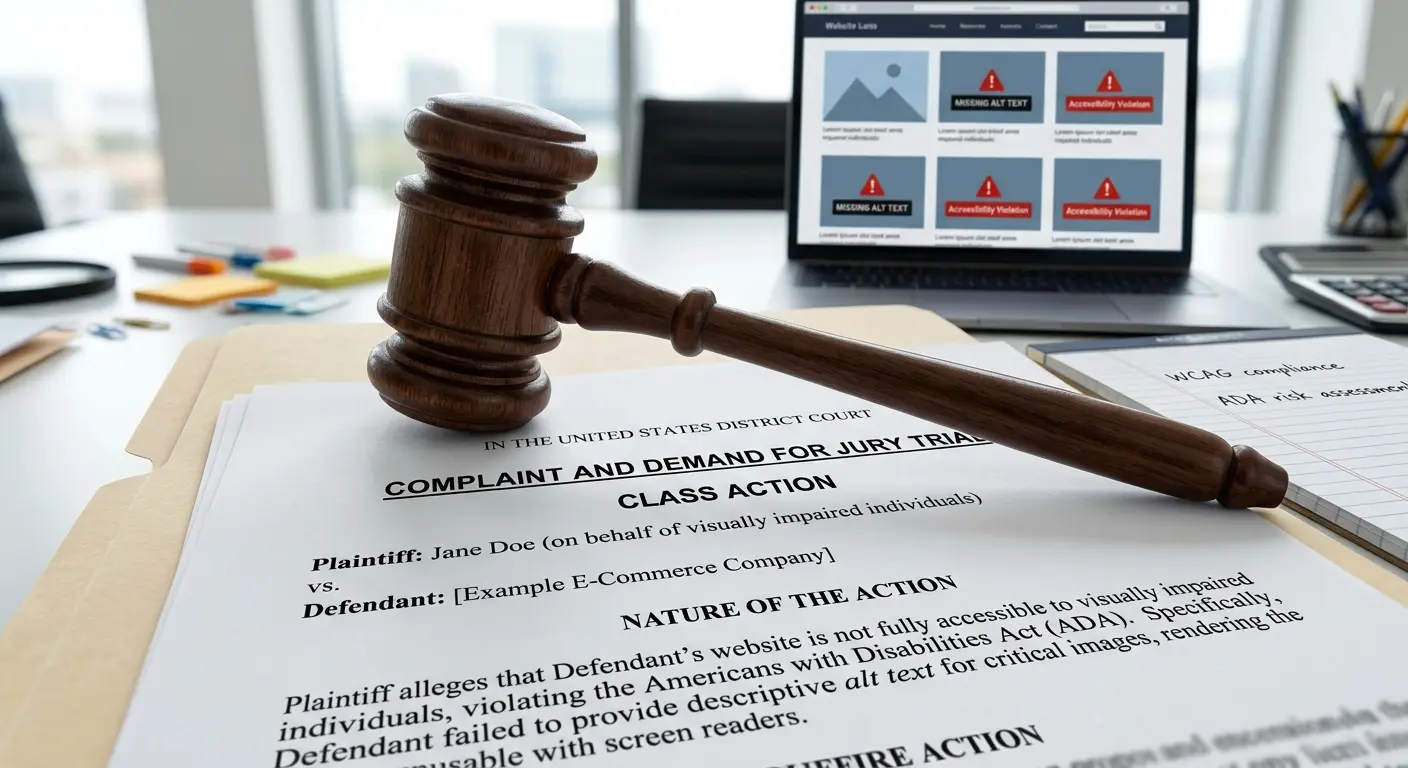
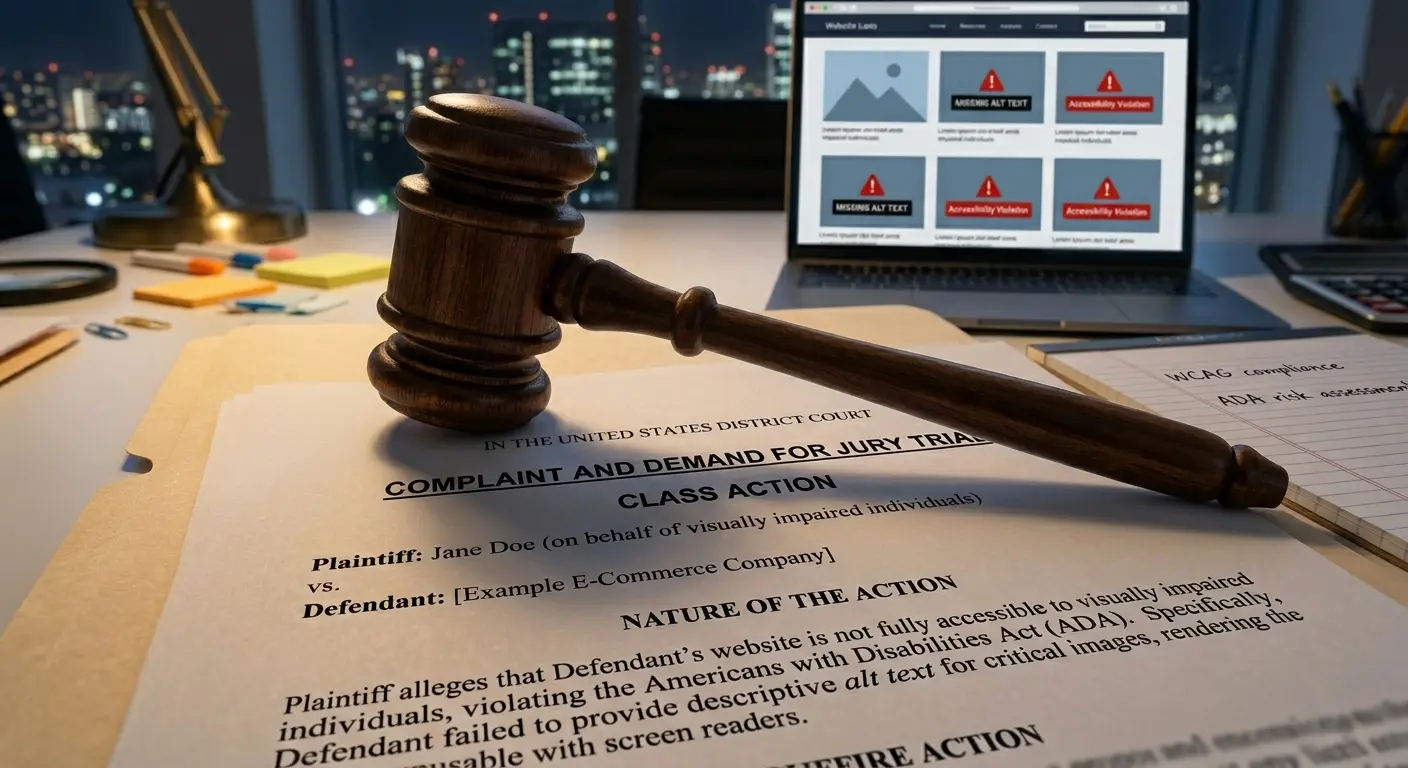
In 2024, plaintiffs filed over 4,600 ADA web accessibility lawsuits in federal court, a record high and a sharp increase from the roughly 2,300 filed in 2023 (UsableNet). That is roughly 12 lawsuits every single day. And the number one violation cited? Missing image alt text.
If your website has images without alt text, you are not just creating a bad experience for visually impaired users; you are opening your business up to real legal liability. This guide covers the legal landscape, the laws that apply, the cases that set precedent, and what you can do today to protect your business.
Summary
Web accessibility lawsuits under the ADA have surged past 4,600 per year, targeting businesses of all sizes. Missing alt text is consistently the most commonly cited WCAG violation, found on over one-third of all images across the top one million websites (WebAIM Million). Courts have ruled that the ADA applies to websites, and the DOJ has formally adopted WCAG 2.1 Level AA as the standard for state and local government sites. Settlements typically range from $10,000 to $100,000+, with landmark cases reaching into the millions. The European Accessibility Act, effective since June 2025, extends similar requirements to businesses serving EU consumers. Fixing alt text is one of the fastest, most impactful steps a business can take to reduce legal risk.
The numbers: how many lawsuits are being filed
ADA web accessibility lawsuits have grown consistently year over year. The trajectory is clear:
- 2018: ~2,258 federal lawsuits filed, the year the trend took off after the Domino's case drew national attention (UsableNet).
- 2022: ~3,255 lawsuits, a new record at the time, driven by serial plaintiff firms filing hundreds of nearly identical complaints.
- 2023: ~2,300 federal lawsuits, plus thousands more in state court (New York state courts alone saw over 1,500 filings).
- 2024: Over 4,600 federal lawsuits, the highest annual total ever recorded (UsableNet).
These numbers only include federal filings. When state-level lawsuits and demand letters (which are far more common than actual suits) are included, the true volume is significantly higher. Most demand letters are resolved quietly with a settlement payment and never become public record.
Who is filing?
A relatively small number of plaintiff law firms drive the majority of filings. Many use automated scanning tools to identify non-compliant sites, then send demand letters or file lawsuits in bulk. The top 10 plaintiff firms accounted for the majority of 2024's filings. This is not a theoretical risk. It is an active, industrialized legal operation.
What laws apply to website accessibility
Several laws and standards govern web accessibility. Here are the ones that matter most:
ADA Title III (United States)
The Americans with Disabilities Act, enacted in 1990, prohibits discrimination against people with disabilities in "places of public accommodation." Courts have increasingly ruled that websites qualify as places of public accommodation, especially when tied to a physical business. The ADA does not explicitly mention websites, but the DOJ and federal courts have consistently interpreted it to cover digital services.
DOJ Title II Rule: WCAG 2.1 AA (April 2024)
In April 2024, the Department of Justice issued a final rule requiring state and local government websites to meet WCAG 2.1 Level AA. This is the first time the federal government formally adopted a specific technical standard for web accessibility. While this rule directly applies to government entities, it signals the standard that courts and regulators apply to private businesses as well.
Section 508 (US Federal)
Section 508 of the Rehabilitation Act requires federal agencies and their contractors to make electronic and information technology accessible. It references WCAG 2.0 AA. If your business sells to the federal government, Section 508 compliance is a contractual requirement.
European Accessibility Act (EU)
The European Accessibility Act (EAA) took effect on June 28, 2025 and applies to businesses selling products or services to EU consumers, including ecommerce websites, banking services, and digital media. It references the EN 301 549 standard, which maps closely to WCAG 2.1 AA. Non-EU companies that sell to EU customers are covered.
Accessibility laws around the world
Web accessibility is a global legal requirement, not just a US concern. If your website serves customers in any of these regions, you are subject to their accessibility laws, regardless of where your business is based:
- Canada: The Accessibility for Ontarians with Disabilities Act (AODA) requires WCAG 2.0 AA compliance for organizations with 50+ employees. The federal Accessible Canada Act (2019) extends requirements nationwide.
- United Kingdom: The Equality Act 2010 requires websites to be accessible. Public sector sites must meet WCAG 2.1 AA under the Public Sector Bodies Accessibility Regulations 2018. Private sector sites face complaints through the Equality and Human Rights Commission.
- Australia: The Disability Discrimination Act 1992 covers websites. Australia was home to one of the world's first web accessibility court cases, Maguire v. SOCOG (2000), when the Sydney Olympics website was found to discriminate against a blind user.
- Israel: The Equal Rights for Persons with Disabilities Regulations (2013) mandate WCAG 2.0 AA compliance for all websites with 50+ employees, with active enforcement and fines.
- Japan: The Act on the Elimination of Discrimination against Persons with Disabilities was amended in 2024 to require (not just encourage) reasonable accommodations, including digital accessibility. JIS X 8341-3 references WCAG 2.1.
- South Korea: The Act on Prohibition of Discrimination against Persons with Disabilities requires web accessibility for both public and private sector websites. The Korean Web Content Accessibility Guidelines (KWCAG) align with WCAG 2.1.
Landmark cases that set precedent
Several high-profile cases have shaped the legal landscape for web accessibility. Understanding these helps clarify why the risk is real.
NFB v. Target (2006-2008)
$6M settlementThe National Federation of the Blind sued Target for an inaccessible website, including missing alt text on product images. The court ruled that Target.com was subject to the ADA because it was connected to Target's physical stores. Target settled for $6 million and agreed to make its website accessible (Disability Rights Advocates). This was the first major ADA web accessibility class action and established the legal framework used in thousands of cases since.
Robles v. Domino's Pizza (2019)
Supreme Court declined reviewGuillermo Robles, who is blind, sued Domino's because he could not order pizza through their website or mobile app using a screen reader. Domino's argued that ADA Title III does not apply to websites. The Ninth Circuit disagreed, and the Supreme Court declined to hear the case in October 2019, letting the lower court ruling stand (CNBC). This effectively confirmed that the ADA applies to websites, at least in the Ninth Circuit and persuasively nationwide. The case settled in 2022 after six years of litigation.
Gil v. Winn-Dixie (2017-2021)
Reversed on appealA blind plaintiff sued Winn-Dixie because its website was incompatible with screen readers. The trial court ruled in the plaintiff's favor and ordered Winn-Dixie to conform to WCAG 2.0 AA. However, the Eleventh Circuit reversed the decision in 2021, ruling that the ADA does not cover websites that are not themselves "places of public accommodation" (ADA Title III). This created a circuit split: the law is interpreted differently depending on where your business operates, adding uncertainty that makes litigation more likely, not less.
Beyonce.com (2019)
Filed in SDNYA class action was filed against Beyonce's Parkwood Entertainment because the official website lacked alt text on images, had no accessible drop-down menus, and was not navigable by keyboard (Billboard). The case demonstrated that no brand is too high-profile to be targeted and that missing alt text alone can be sufficient grounds for a lawsuit.
Why missing alt text is the #1 violation
Missing alt text is not just a common issue. It is the most common accessibility violation on the entire internet, year after year.
The WebAIM Million study, which audits the home pages of the top one million websites annually, has consistently found that:
- Over one-third of all images on the web are missing alt text.
- Over 95% of home pages have detectable WCAG failures, and missing alt text is among the top violations every year alongside low contrast text and missing form labels.
- The average page has over 50 accessibility errors, and missing alt text accounts for a significant portion of them.
This matters legally because missing alt text is a WCAG 2.2 Level A violation, the lowest level of conformance. It falls under Success Criterion 1.1.1 (Non-text Content), which requires that all non-text content has a text alternative. Failing at Level A means your site does not meet even the minimum accessibility standard.
Why it matters for lawsuits specifically
- Easy to detect automatically. Plaintiff firms use automated scanning tools that can find missing alt text in seconds. This makes it easy to file lawsuits at scale: a scanner identifies the issue, and a templated complaint follows.
- Easy to prove in court. Unlike subjective accessibility issues, missing alt text is binary: either the
altattribute exists or it does not. There is no ambiguity for a defendant to argue around. - Directly impacts users. A screen reader user encountering an image without alt text either hears nothing or hears the file name. It is an obvious, demonstrable barrier to access.
- Covered by the most basic standard. Courts reference WCAG as the benchmark. Missing alt text violates the very first content guideline at the lowest level. It signals systemic neglect of accessibility.
Is your site at risk?
Many businesses do not know how many of their images are missing alt text until they check. Our free accessibility audit scans any page and shows you exactly which images need attention, before a plaintiff firm does.
Audit your site's alt textWho gets sued and how it works
A common misconception is that only large corporations get sued. In reality, businesses of all sizes are targets:
Ecommerce stores
Online retailers are the most frequently sued category. Product images without alt text are easy to detect and directly prevent blind users from understanding what products look like. Ecommerce sites accounted for over 80% of 2024's lawsuits (UsableNet).
Small and mid-size businesses
Small businesses are often targeted precisely because they are more likely to settle quickly to avoid legal costs. A demand letter from a plaintiff firm is often resolved for $5,000 to $25,000, less than the cost of hiring a lawyer to fight it.
Restaurants, hotels, healthcare
Any business with a physical location and a website is a natural ADA target because the connection between the website and the "place of public accommodation" is clear. Restaurants, hotels, medical practices, and financial services are all frequently targeted.
How a typical case works
Automated scan
A plaintiff firm scans your website with an automated accessibility tool. Missing alt text, missing form labels, and low-contrast text are flagged in seconds.
Demand letter
You receive a letter demanding that you fix the issues and pay a settlement (typically $5,000-$25,000). Most businesses settle at this stage.
Federal or state lawsuit
If not resolved, a formal lawsuit is filed. The complaint cites specific WCAG violations: missing alt text, inaccessible forms, keyboard traps, and similar issues.
Settlement or trial
The vast majority settle. The business pays damages, agrees to remediate the website within a specified timeline, and may be subject to monitoring.
What a lawsuit actually costs
The financial impact of an accessibility lawsuit extends well beyond the settlement payment:
| Cost category | Typical range |
|---|---|
| Demand letter settlement | $5,000 - $25,000 |
| Federal lawsuit settlement | $10,000 - $100,000+ |
| Defense legal fees | $10,000 - $150,000+ |
| Website remediation | $5,000 - $50,000+ |
| Ongoing monitoring/compliance | $2,000 - $10,000/year |
| Plaintiff's attorney fees (if ordered) | $50,000 - $300,000+ |
Under the ADA, prevailing plaintiffs can recover attorney's fees in addition to other damages. This means you may end up paying not only your own lawyer, but the plaintiff's lawyer as well. Some states, like California under the Unruh Civil Rights Act, also allow statutory damages: a minimum of $4,000 per violation, which can add up quickly across multiple pages.
Compare this to the cost of prevention: adding alt text to your images proactively costs a fraction of what a single demand letter settlement costs. For context, an Alt Text Studio plan starts at a few dollars per month and can generate alt text for hundreds of images.
How to protect your business
The good news: accessibility compliance is achievable, and fixing the most common issues is not as complex as it may seem. Here is a practical roadmap:
1. Audit your website
Run a scan to identify existing accessibility issues. Alt Text Studio's free alt text audit scans any page and shows you exactly which images are missing alt text. For broader accessibility checks, tools like WAVE and Lighthouse can detect low contrast, missing labels, and other WCAG failures beyond images. Focus on your most trafficked pages first: the home page, product pages, checkout flow, and contact page.
2. Fix alt text first
Since missing alt text is the #1 violation and the easiest to prove in court, addressing it first gives you the most legal risk reduction per hour of work. Every image that conveys information needs descriptive alt text. Decorative images need alt="". Alt Text Studio can generate descriptions with AI in seconds. Review and refine them manually before publishing, and your image library moves from missing-alt-text to fully described much faster. Learn the fundamentals in our complete guide to alt text.
3. Address high-impact WCAG failures
After alt text, focus on the other most common WCAG violations: low-contrast text (WCAG 1.4.3), missing form labels (WCAG 1.3.1), empty links and buttons (WCAG 2.4.4), and missing document language (WCAG 3.1.1). These five issues account for the vast majority of detected accessibility errors on the web.
4. Publish an accessibility statement
An accessibility statement signals good faith, showing that your business takes accessibility seriously and is actively working on it. Include the standard you are working toward (WCAG 2.2 AA is the latest, though 2.1 AA remains the legal baseline in most jurisdictions), a contact method for users who encounter barriers, and a commitment to ongoing improvement. While it does not prevent lawsuits, it strengthens your legal defense and can deter some demand letters.
5. Build accessibility into your workflow
One-time fixes are not enough. New content, new products, and new pages all need alt text and accessibility review. Integrate accessibility checks into your content publishing workflow so that every image uploaded to your site gets a description before it goes live.
Fix alt text at scale with AI
Here is the practical challenge: even if you understand the legal risk and know how to write good alt text, doing it manually for hundreds or thousands of images is a massive time investment. An ecommerce store with 500 products might have 2,000+ images. At two minutes per description, that is over 66 hours of work.
This is exactly the problem AI-powered alt text generation solves. Modern AI vision models can analyze an image and produce accurate, natural-language descriptions in seconds, dramatically reducing the time it takes to produce alt text compared to manual writing.
Generate descriptive alt text with Alt Text Studio
Alt Text Studio uses leading AI vision models to generate descriptive alt text for your images. Upload one image or hundreds, generate descriptions in any of 194 languages, add product context and SEO keywords, and export in CSV, JSON, HTML, or plain text, in minutes instead of months.
Why AI + human review is the best approach
AI-generated alt text gets you a strong starting draft instantly. For accurate descriptions, always review the output, especially for product images where specific details (model numbers, colors, sizing) matter. The combination of AI speed and human judgment gives you both scale and quality.
Frequently asked questions
Can my business really get sued over missing alt text?
Yes. Missing alt text is one of the most commonly cited violations in ADA web accessibility lawsuits. Over 4,600 federal lawsuits were filed in 2024 alone, targeting businesses of all sizes. Plaintiff firms use automated scanners to identify non-compliant sites and file lawsuits or demand letters in bulk.
Does the ADA apply to websites?
Yes, according to the majority of federal courts and the Department of Justice. While the ADA does not explicitly mention websites, courts have consistently ruled that websites connected to physical businesses (and increasingly, online-only businesses) qualify as "places of public accommodation" under Title III. The DOJ's April 2024 rule formally adopted WCAG 2.1 AA for government websites.
What accessibility standard do courts use?
Courts overwhelmingly reference the Web Content Accessibility Guidelines (WCAG) 2.1 Level AA as the benchmark for ADA web accessibility compliance. While the ADA itself does not name a specific standard, WCAG 2.1 AA has become the de facto legal standard through DOJ guidance, consent decrees, and settlement agreements.
How much does an accessibility lawsuit cost?
Demand letter settlements typically range from $5,000 to $25,000. Federal lawsuit settlements range from $10,000 to over $100,000. When defense legal fees, remediation costs, plaintiff's attorney fees, and ongoing monitoring are included, total costs can easily exceed $100,000 for a single case.
Does the European Accessibility Act affect US businesses?
Yes, if you sell products or services to EU consumers. The European Accessibility Act (EAA), effective since June 28, 2025, applies to ecommerce websites, banking, and digital media regardless of where the business is headquartered. It references EN 301 549, which aligns with WCAG 2.1 AA.
Can I use an accessibility overlay widget instead of fixing alt text?
Accessibility overlay widgets (like AccessiBe, UserWay, etc.) do not make your site compliant. Multiple lawsuits have been filed against sites using overlays, and major disability rights organizations, including the National Federation of the Blind, have publicly opposed them. Real compliance requires fixing the underlying issues, including adding proper alt text to your images.
Do not wait for a demand letter
The legal trend is unmistakable: web accessibility lawsuits are increasing, the laws are getting stronger, and missing alt text is the lowest-hanging fruit for plaintiff firms. The cost of prevention is a fraction of the cost of a lawsuit.
Start by auditing your images, then use Alt Text Studio to generate descriptive alt text at scale. Review the output, publish it, and every image with proper alt text is one less gap on your site, and one less reason for a plaintiff to come knocking.